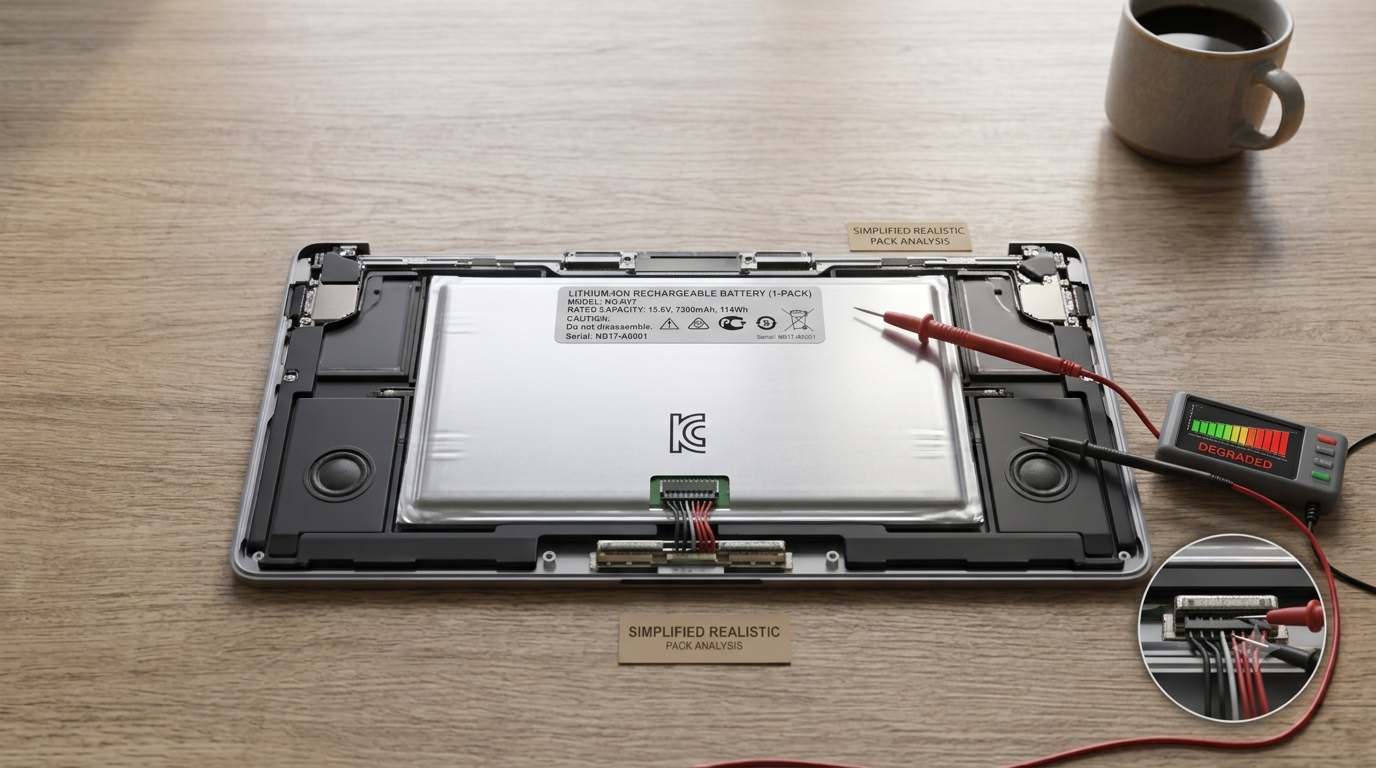
Every laptop battery loses capacity over time — that part is unavoidable chemistry, not a defect. But there’s a real gap between “a battery that naturally ages over 3-4 years” and “a battery that’s noticeably worse after eight months,” and that gap is almost entirely explained by daily habits most people never think twice about. None of this is about babying your laptop or refusing to use it normally — it’s about understanding what actually stresses a battery versus what’s just old, non-scientific folklore passed around in forum comments.
What’s Actually Happening Inside the Battery
Laptop batteries are lithium-ion, which means they store energy through a chemical reaction between electrodes, and that reaction physically degrades a little every time it happens. This is measured in “charge cycles” — one full cycle being the equivalent of using 100% of the battery’s capacity, whether that’s one full charge from 0 to 100%, or several partial charges that add up to 100% total.
Most modern laptop batteries are rated for somewhere between 300 and 1,000 full charge cycles before dropping to around 80% of original capacity, depending on the battery chemistry and quality. The key insight most people miss: it’s not really about how often you charge — it’s about the conditions the battery experiences while it’s charged, discharged, and sitting idle.
The Heat Problem Nobody Talks About Enough
Heat is, by a wide margin, the single biggest accelerator of battery degradation — more than charge habits, more than how “aggressively” you use the laptop. Lithium-ion chemistry simply breaks down faster at higher temperatures, and this happens whether or not you’re actively charging.
This is why the worst thing you can realistically do to a laptop battery is leave it plugged in, under heavy load, sitting on a soft surface like a bed or a couch cushion that blocks the vents — you’re combining maximum heat generation with restricted airflow, for hours, repeatedly. A laptop gaming for four hours on a mattress is a genuinely rough environment for the battery sitting a few centimeters from the hottest components in the machine.
Practical takeaway: use a hard, flat surface when doing anything demanding for extended periods, and if you’re going to run something heavy for a long stretch, a basic laptop cooling stand with a fan is a small, cheap investment that meaningfully reduces internal temperatures.
The 20-80 Rule — And Why It’s More Nuanced Than Most Articles Claim
You’ve probably seen the advice to “keep your battery between 20% and 80%” charge. This is genuinely rooted in real battery chemistry — lithium-ion batteries experience more stress at the very top and very bottom of their charge range, and staying in the middle band reduces that stress measurably.
But here’s the nuance most articles skip: this matters most for how the laptop spends most of its time, not for occasional full charges or discharges. If you plug in overnight every night and it sits at 100% for eight hours, that’s the pattern actually worth addressing. If you occasionally run it down to 5% because you forgot to charge it one day, that single event isn’t going to meaningfully shorten your battery’s life — batteries are more resilient to occasional edge-case use than the strictest version of this advice implies.
Practical takeaway: if your laptop primarily lives plugged in at a desk, check whether your manufacturer offers a “battery charge limit” or “battery care mode” setting (many do — Lenovo, Dell, ASUS, and others all have some version of this) that caps charging around 80% during long stretches of AC power use. This single setting does more for long-term battery health than manually monitoring your percentage ever will.
Does Fast Charging Actually Damage Batteries?
This gets asked a lot, and the honest answer is: modestly, yes, but modern laptops are built with this in mind. Fast charging generates more heat during the charging process itself, which ties back to the heat problem above. However, most laptops with fast-charging support also have smarter charge controllers that slow the charging rate as the battery approaches full, specifically to manage this heat — the aggressive, fastest charging speed usually only applies during the first 50-60% of a charge, then it tapers.
Practical takeaway: fast charging when you’re in a genuine hurry isn’t something to feel guilty about — it’s there for a reason and modern hardware manages the tradeoff reasonably well. The concern is really about consistently fast-charging in hot environments (a car, direct sunlight, a poorly ventilated bag right after use) rather than fast charging itself.
Storage: What to Do If You’re Not Using the Laptop for a While
If you’re putting a laptop away for weeks or months — a backup machine, something you’re selling, a work laptop between jobs — how you store it matters more than most people expect.
Storing a lithium-ion battery at 100% charge for an extended period accelerates degradation, and so does storing it fully drained at 0%, which risks the battery dropping into a “deep discharge” state that some batteries never fully recover from. The sweet spot for long-term storage is roughly 40-60% charge, in a cool, dry place — not a hot car trunk, not a freezing garage.
Practical takeaway: if you know a laptop is going into storage for more than a month, charge or discharge it to roughly the halfway point first, and if possible, check on it every couple of months to make sure it hasn’t drifted to a full drain.
Signs Your Battery Health Is Actually Declining (Not Just “Feels Slower”)
It’s easy to blame a sluggish laptop on the battery when the real cause is something else entirely — background software, a full drive, or an aging CPU struggling with modern workloads. Before assuming your battery is the problem, look for these more specific signs:
- Noticeably shorter time on a full charge compared to when the laptop was new, under similar usage
- The laptop shutting down unexpectedly at a battery percentage well above 0%, which usually indicates the battery can no longer deliver consistent power under load
- Visible swelling of the battery or trackpad area — this is a genuine safety issue, not just a performance one, and the laptop should stop being used until the battery is inspected or replaced
- Battery health reporting tools built into most operating systems (Windows has a built-in battery report you can generate via Command Prompt; macOS shows battery condition directly in System Settings) showing a measured capacity meaningfully below 100% of design capacity
If you’re seeing the first two without an obvious explanation, it’s worth actually checking the built-in battery health report rather than guessing — both major operating systems can tell you the actual measured capacity against the original design capacity, which removes the guesswork entirely.
What Doesn’t Actually Matter As Much As People Think
A few pieces of common advice are outdated or overstated:
“You need to fully drain the battery occasionally to recalibrate it.” This was genuinely useful advice for older nickel-based batteries, but lithium-ion batteries in modern laptops don’t need this, and doing it regularly is mildly counterproductive given what we covered above about extreme charge levels being harder on the battery.
“Never use your laptop while it’s charging.” For occasional use, this makes essentially no meaningful difference. The exception is sustained heavy use while charging in a hot environment, which circles back to the heat problem — it’s the heat that matters, not the simple act of using a plugged-in laptop.
“Third-party chargers will ruin your battery.” A cheap, poorly made charger that doesn’t properly regulate voltage can genuinely cause problems, but a well-made, properly rated charger — even third-party — isn’t inherently worse than the original. The real risk is buying charging hardware from unknown, unreviewed sellers rather than third-party chargers as a category.
The Bottom Line
Battery degradation is inevitable, but the difference between a battery that’s still solid after three years and one that’s noticeably weak after one usually comes down to heat management and avoiding extended time at extreme charge levels — not charging habits in the way most people worry about them. If you do just two things, make them count: keep the laptop somewhere it can actually breathe when it’s working hard, and turn on a battery charge limit if your manufacturer offers one and the laptop mostly lives plugged in at a desk. Everything else is a smaller effect layered on top of those two.